Changelog
Axure RP MCP (Machine Context Protocol) (alpha)
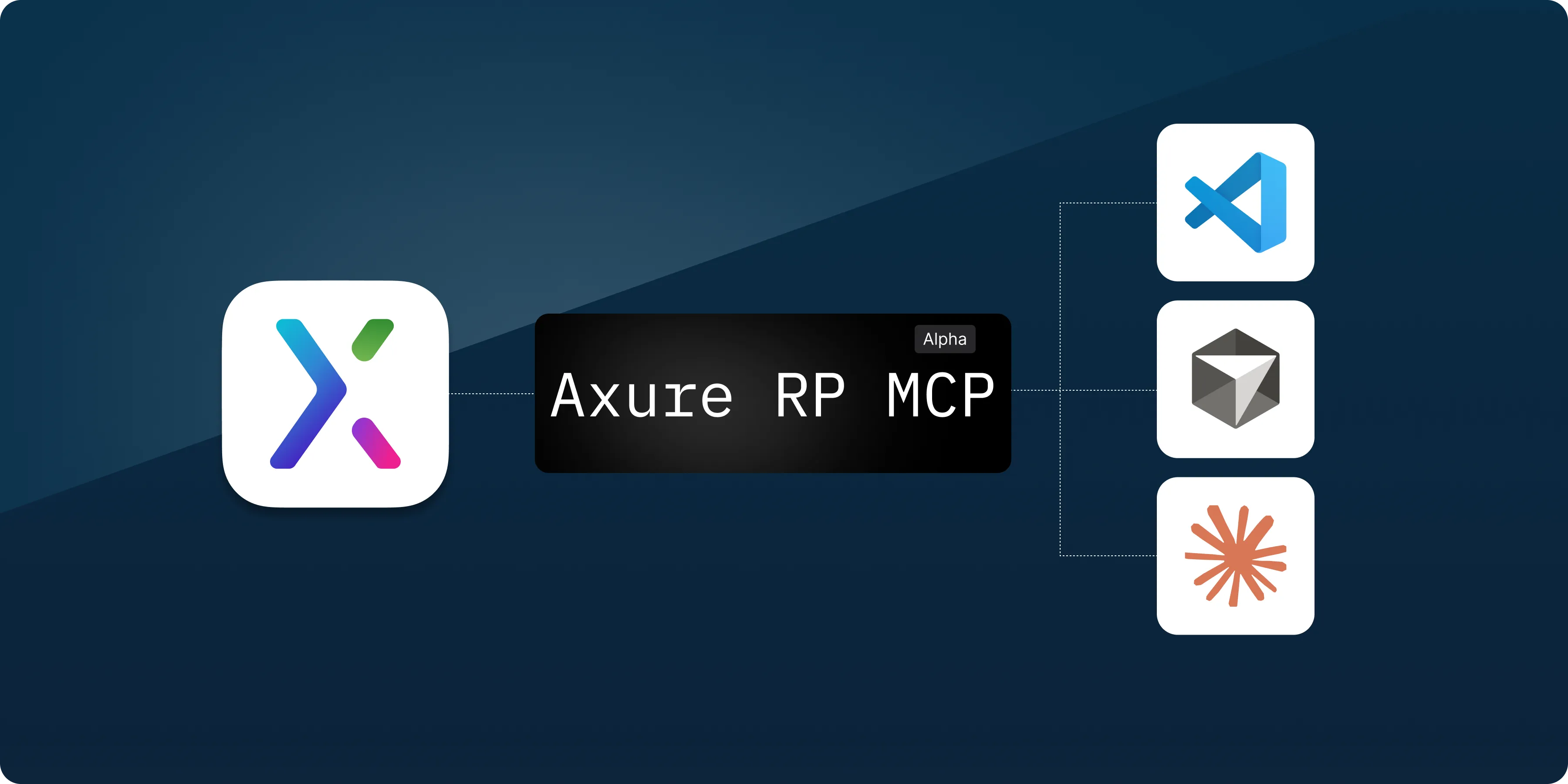
You can now run a built-in MCP server from Axure RP to give AI agents and tools access to the pages, widgets, interactions, and notes in your RP files. The AI can use your designs for code generation, analysis, documentation, and more.
The Axure RP MCP server is run locally from Axure RP (different than the Axure Cloud MCP server) and lets you connect to tools including Claude Code, VS Code, and Cursor. Once connected, you can ask it to use the context in your open files in plain language like "Generate React components that match the layout on this page."
Learn more about setting up and using the MCP server in this article Using Axure RP with AI tools via MCP.
MCP is currently experimental and we'd love your feedback. Please send messages from RP or email us at support@axure.com.
Windows Snap flyout
Windows Snap lets you quickly arrange and resize application windows on a PC. A customer recently pointed out that the Windows Snap flyout was not working in Axure RP. Now, the Snap flyout appears when you hover over the maximize button on an Axure RP window and lets you choose a layout.
Faster rendering on Macs
Several optimizations were made to the rendering engine to make Axure RP 11 faster on Macs. The improvements are most noticeable when working on pages with many widgets. Everything from editing widget properties to scrolling is now much faster.
Improvements (3)
- MCP (Machine Context Protocol) – You can now run a built-in MCP server from Axure RP to give AI agents and tools access to the pages, widgets, interactions, and notes in your RP files.
- Windows Snap flyout – The Snap flyout appears when you hover over the maximize button on an Axure RP window and lets you choose a layout.
- Faster Mac rendering – Several optimizations were made to the rendering engine to make Axure RP 11 faster on Macs. The improvements are most noticeable when working on pages with many widgets.
General improvements and bug fixes
Axure Cloud for Business On-Premises 3.0.0.1
Bug fixes (2)
- Fixed issue where pages with non-Latin characters would fail to load
- General improvements
Bug fixes (2)
- Fixes widget note appearing in the wrong location with a panel state change
- Fixes dynamic panel moving incorrectly with panel state change when pinned to the bottom
Curated colors and font sizes
A lot of teams are reaching for Tailwind-style colors and font sizes when working on whiteboards, so we built that into the style toolbar. You can now choose from a curated Tailwind color palette and named font sizes (xs, sm, md, lg, xl, 2xl, and more) to keep your whiteboards consistent and familiar.
We're also working on support for custom creating your own colors, stay tuned for that in a future release.
MCP (Machine Context Protocol) (alpha)
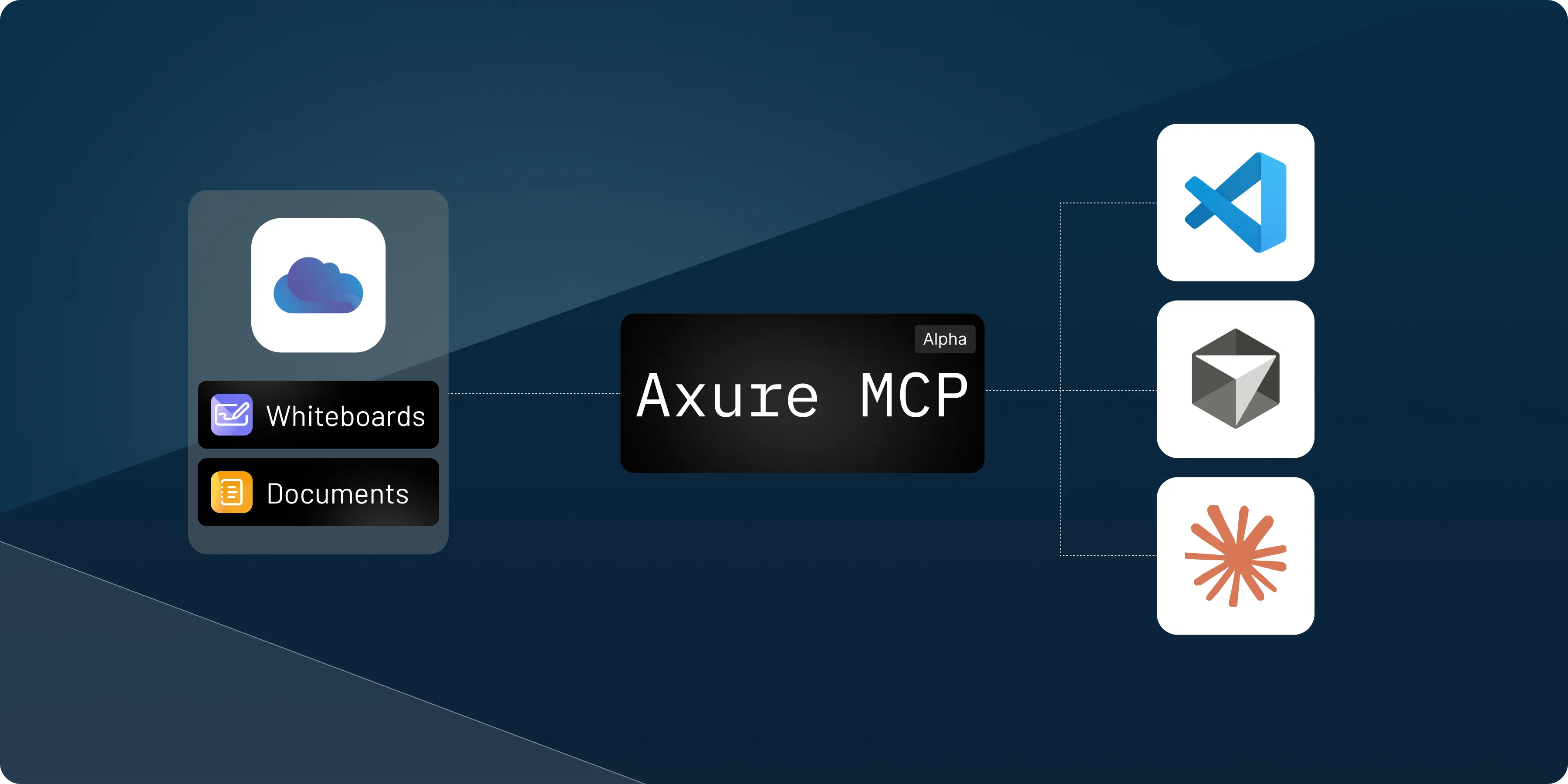
You can now set up the Axure MCP server to give AI agents context from whiteboards and docs.
The Axure MCP server lets you connect AI agents and productivity tools, including Claude Code, VS Code, and Cursor, directly to your whiteboards and documents on Axure Cloud. Once connected, you can share links to your whiteboards and documents and the AI tool will be able to read and interpret the context.
Share links to files, sections, or canvas objects as context for generating code. Click the Share button within a whiteboard or document for instructions on how to set it up. To learn more visit the Axure MCP documentation.
Since MCP is currently in alpha, we'd love your feedback, send us a message in the app or email us at support@axure.com.
Improvements (3)
- HSL and RGB inputs – Enter color values directly in HSL or RGB format in the color picker.
- Named web colors – Type a color name like "red" or "blue" in the hex field to use standard HTML colors.
- Help menu in the sidebar – Added a dedicated Help menu in the sidebar for quicker access to help and resources.
Bug fixes (4)
- Fixes issue where zooming could become skewed further from 0,0.
- Fixes issue where a folder icon for a section could appear in non-library files.
- Fixes issue preventing WebP images from uploading through the image selector.
- Fixes issue where right-click paste could place SVGs in the wrong location instead of at the cursor.
Easily change sections to library elements
We made it clearer how to save a section as a library element. Sections still group items like folders by default, but you can now click the new section icon on the canvas to turn the entire section into a single reusable library element.
Section links expand by default
We've been hearing that section links are more helpful when expanded, so now they expand by default when you insert them. You can also add section links through the / menu (section links can still be added using @).
Improvements (5)
- Sidebar and workspace navigation updates – Simplified the organization menu and workspace list, with clearer organization grouping, updated checkbox sizing, streamlined workspace actions, improved empty states, and shared assets moved below workspaces.
- Load on scroll in quick insert - Icons now load when scrolling in the quick insert menu.
- File creation – Any time you create a new file, we now open it automatically and show it in the sidebar.
- Export as PDF improvements – Improved PDF exports by adding padding around exported content and adjusting section title placement when exporting the current selection.
- Whiteboard loading – Changed the loading spinner for whiteboards, so you don't get hit with a blank white screen when switching between them.
Bug fixes (3)
- Fixes bug where undoing a text edit on the canvas would clear the entire text instead of just the last change
- Fixes adding BMP image files
- Fixes incorrect error message displaying when changing "Anyone with the link" settings
Libraries
You can now create libraries of reusable assets and share them across your organization. Think of these as building blocks: icons, illustrations, UI patterns, whatever you use repeatedly.
Tip: If you have widgets in Axure RP you want to use as library elements, you can copy for Axure Cloud from the right-click menu.
Better marker
Drawing with the marker now feels more like a marker, it varies stroke width based on your drawing speed, slower strokes come out thicker, faster ones thinner. And if you're using a pressure-sensitive device (like a Surface Pro or iPad with Apple Pencil), it picks that up too.
PDF export
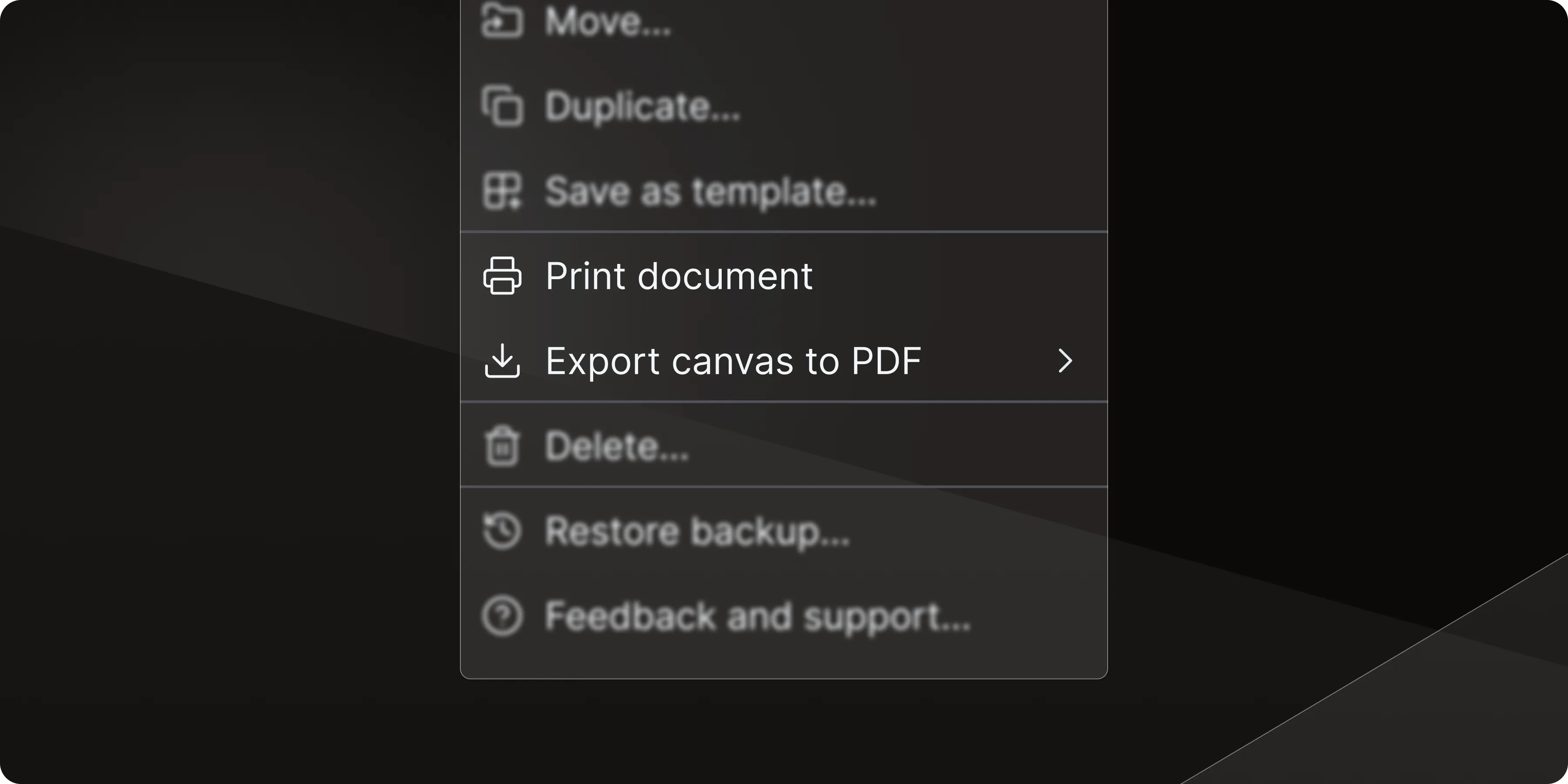
Print document prints just the document portion of your whiteboard (all your notes, specs, and formatted text) plus any sections links you've added. Perfect for sharing written documentation with relevant designs in meetings or handing off requirements with visual context.
Export canvas to PDF gives you three options:
- Entire canvas – Export everything on your canvas in one go
- Sections only – Pull just the organized sections you've defined (great for clean deliverables)
- Current selection – Grab only what you've selected on the whiteboard (perfect for quick shares of specific flows)
Improvements (3)
- Remember marker, note, and section colors – Your last color and width choices across sessions are kept so you don't have to keep resetting them
- Whiteboard background – Changed the default to grey for better contrast (easier on the eyes, easier to see your work)
- Image naming – Pasting images from Finder/File Explorer now automatically names items to match the file name
Bug fixes (5)
- Fixes arrows on lines not appearing
- Fixes image crop bug
- Fixes avatar list not updating correctly when multiple users are in the same file
- Fixes corner radius hot zone missing for shapes
- Fixes section previews not loading when switching between whiteboards
This release includes updates that make it easier to navigate whiteboards, work comfortably on tablets, and adds subtitles to documents
Outline pane for whiteboards

Whiteboards now have an outline pane to help you find your way around faster. It shows a structured list of what's on your whiteboard, so you can see where you are, understand what you're looking at, and jump straight to the part you need.
Improved iPad and tablet support
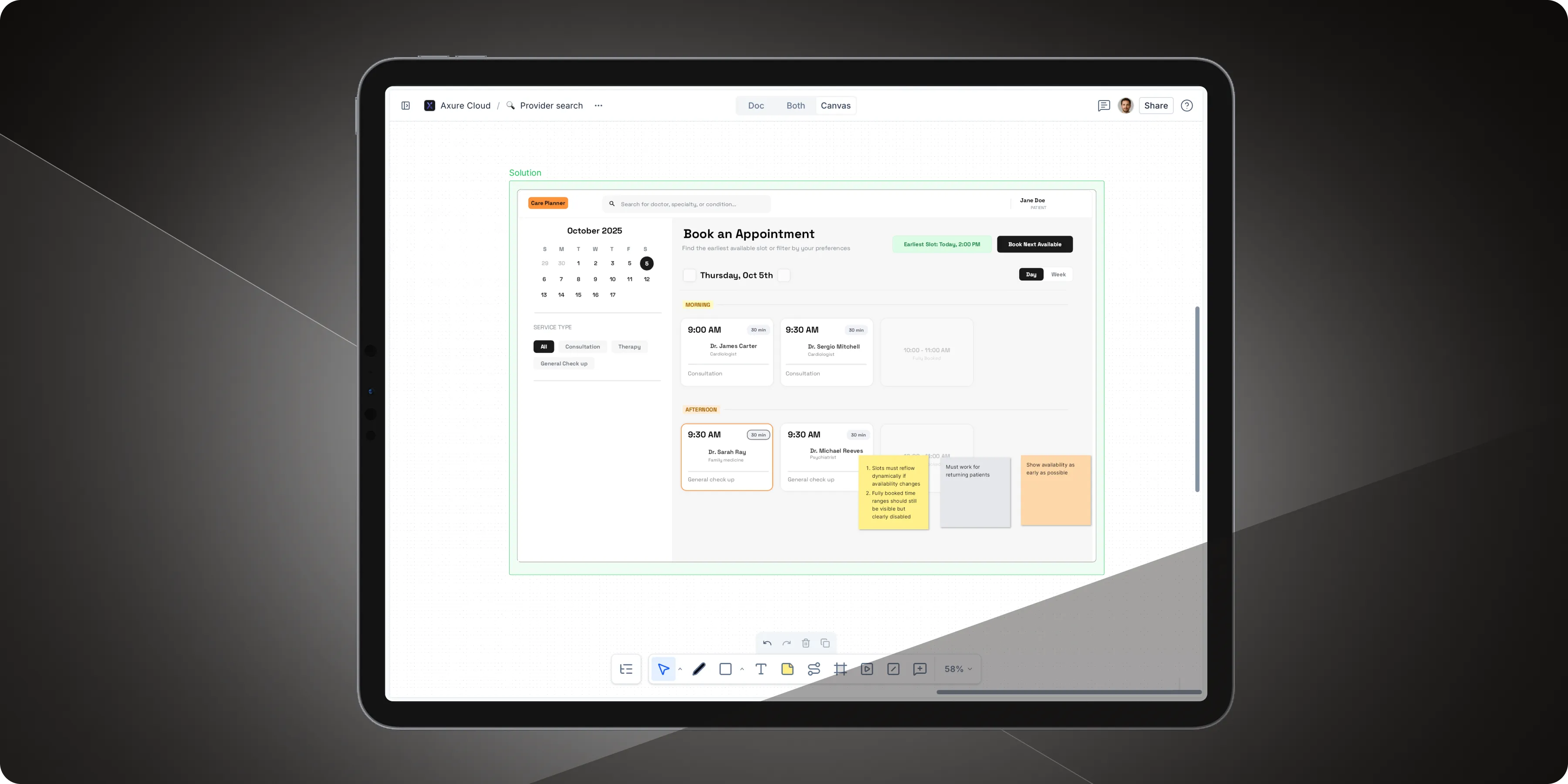
Axure Cloud is now more usable on iPads and other tablets, including a tablet-optimized toolbar and navigation improvements to make working on iPad smoother and more intuitive.
Subtitles in documents
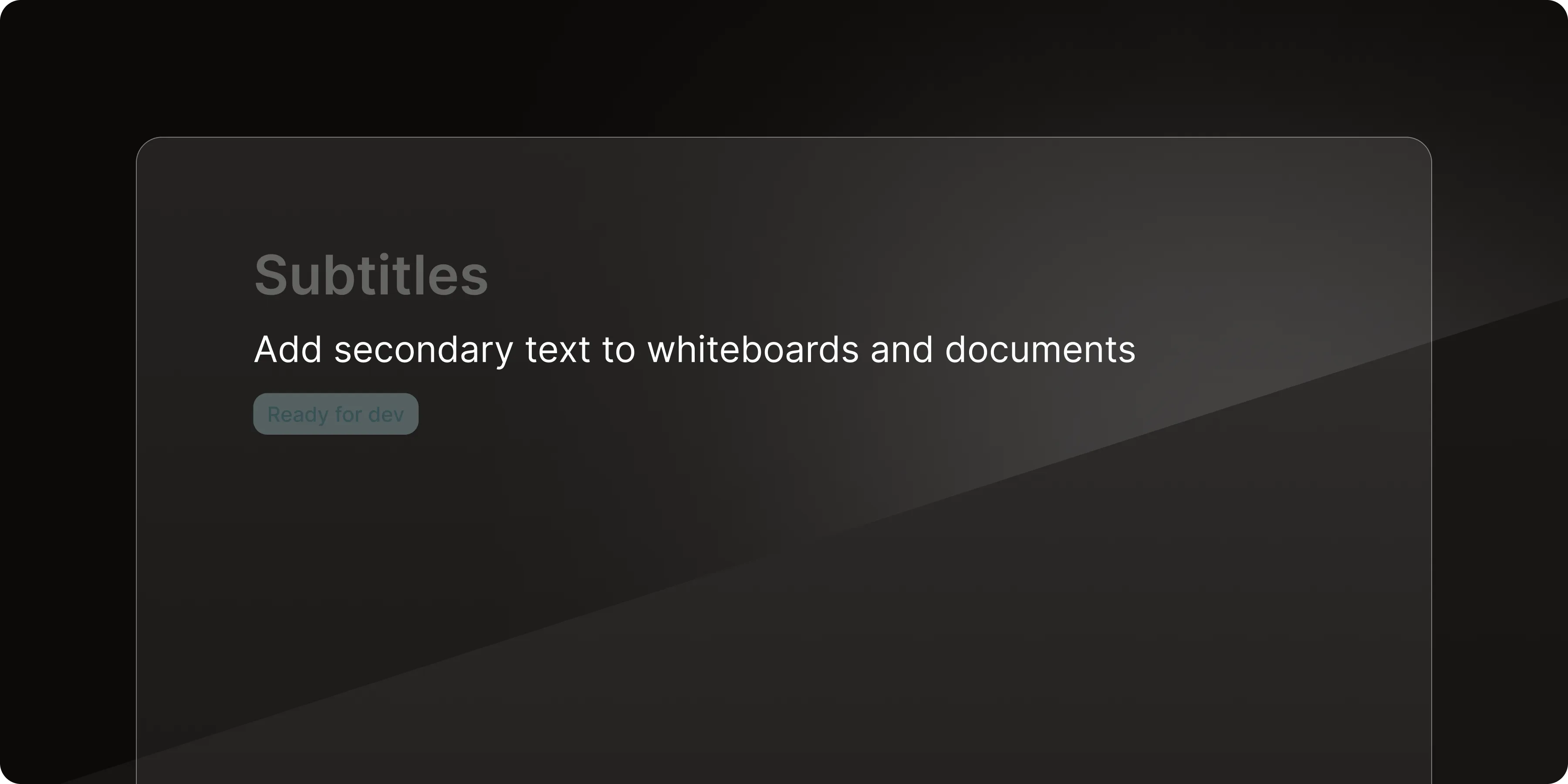
Documents now support subtitles, giving you a lightweight way to add context. Subtitles can also be used in templates and will appear in the template picker.
Improvements (3)
- View switching – Added a new way to switch between document, canvas, or both views
- Consolidated document options – Consolidated document options into a single menu
- Six dot menu tooltip – Added a tooltip to clarify the six dot button
Bug fixes (4)
- Fixes text overflowing dialog fields in some dialogs
- Fixes keyboard navigation issues in documents containing forward slashes
- Fixes collaboration issues when multiple users edit the same document line
- Fixes connection handling when switching between files

This release focuses on reliability of whiteboards, specifically with idle whiteboards and coming back to them.
Bug fixes (4)
- Fixes issue following collaborators who haven't moved their cursors.
- Fixes errors for whiteboards and documents that were left idle
- Fixes issue not live-notifying about new comments on prototypes
- Fixes search by project ID not showing results
Looking for older releases?
This changelog covers our recent updates and improvements. You can find detailed release notes and download links for older versions of Axure RP 10 and earlier on our release history page.
View release history